
Talk and Text Explained How Plans and Apps Work
talk and texttalk and text plansVoIP vs carriermessaging appsphone plans guide
16 min read
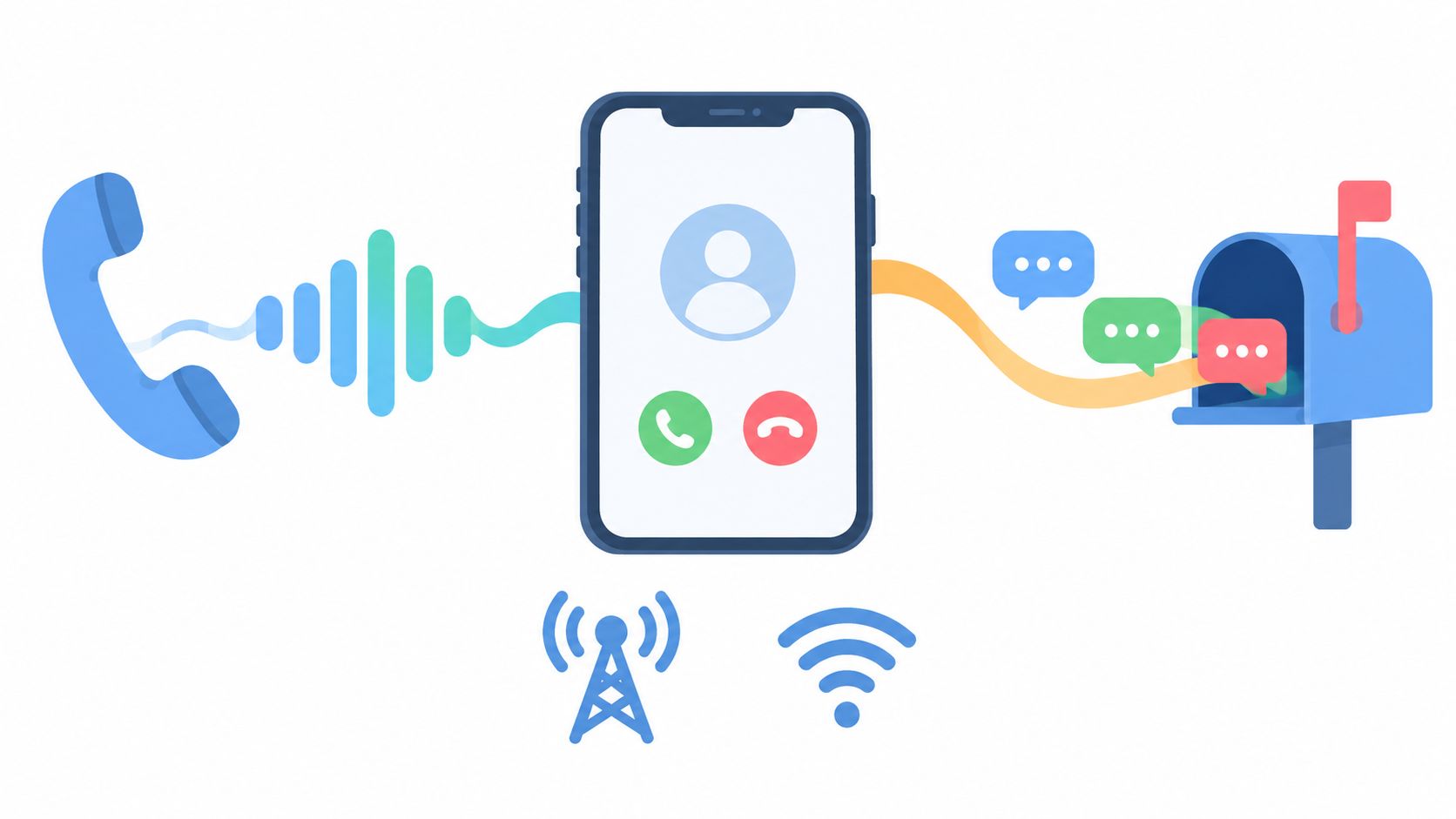
You're checking a phone plan because the label says talk and text, but the details feel less clear than they should. Does “talk” include calls made through WhatsApp? Do iMessages count as texts? Why does your carrier record show fewer messages than you remember sending? And if you're using voice tools or AI audio, does the same idea still apply?
The answer starts with a simple distinction. Talk and text describe communication functions, not every communication app on your phone. Carrier voice and SMS use one set of network services, while app calls, Wi-Fi messages, and AI speech workflows may use data, software, or entirely different processing steps.
Understanding that difference helps you choose a plan with fewer surprises, interpret usage records correctly, and decide when an app or audio tool makes more sense than traditional mobile service. It also reveals why modern “talk and text” increasingly means more than a carrier package. It can describe a complete system for turning spoken conversation into written information, then turning written information back into natural speech.
A phone bill rarely tells the whole story. You might see a plan promising unlimited talk and text, then notice that your message history includes conversations that never appear in the carrier dashboard. A family member may have sent an iMessage over Wi-Fi, while you used an SMS message through the mobile network. Both looked like ordinary texts on the screen, but the network handled them differently.
That difference matters because the phone's interface hides the delivery route. The green or blue bubble, the call button, and the contact name make communication feel like one unified service. Underneath, your phone may be switching between cellular voice, SMS, Wi-Fi calling, mobile data, and app-based messaging without asking you to make a technical decision each time.
The phrase talk and text still matters because it points to the basic services most mobile users expect. You need voice for immediate conversations, coordination, and emergencies. You need messaging for quick updates, reminders, links, photos, and conversations that don't require both people to answer at once.
A useful guide has to answer practical questions, not just define two words:
The rest of this guide makes those hidden routes visible. You'll start with the basic mechanics, compare carrier services with VoIP and messaging apps, look at how people adopted talk and text, and then connect the idea to AI audio workflows where speech and writing constantly change places.
Talk usually means real-time voice communication delivered through a mobile carrier's voice service. When you make a standard cellular call, your phone establishes a live connection so both people can speak and hear one another as the conversation happens.
Text traditionally means SMS, or Short Message Service. SMS is asynchronous, which means the sender and recipient don't have to be active at the same moment. Your phone sends the message, the network stores it briefly if necessary, and the recipient's device receives it when the service can deliver it.
Think of a phone call as a direct road between two homes. Both people enter the road at the same time, and the conversation flows in both directions continuously. If the connection breaks, the live exchange stops.
Think of a text as a letter placed in a mailbox. The recipient doesn't need to stand at the mailbox when you send it. The network carries the message, holds it when required, and presents it when the recipient's device becomes available.
That analogy explains why voice and text have traditionally been counted differently. A carrier may measure voice through call time and SMS through message activity, although the exact terms and limits depend on the plan. When a plan says unlimited talk and text, the promise generally applies to the carrier's eligible voice and messaging services. It doesn't automatically include every internet-based call, video chat, or app message.
Mobile data now supports many communication experiences, but carrier talk and text remain the fallback layer for phones, contacts, and services that don't share the same messaging app. SMS can reach a broad range of mobile devices without requiring both people to register with the same platform.
The distinction also helps explain billing. A message that travels through an app may use Wi-Fi or mobile data rather than the carrier's SMS system. A voice conversation inside an app may use data packets rather than the carrier's ordinary voice service. Your phone makes these experiences feel alike, but your plan and usage dashboard may treat them as separate categories.
Remember this: Talk is a live voice connection. Text is a message that can travel and arrive asynchronously. Apps may imitate either experience while using a different network path.
The same phone can support several communication systems. A standard carrier call, a FaceTime Audio call, and a WhatsApp call may all begin when you tap a handset icon, yet they don't rely on the same infrastructure.
Carrier talk and text use services provided by the mobile network. Traditional voice calls use the carrier's voice system, while SMS travels through the carrier's messaging infrastructure. These services are designed to connect with ordinary phone numbers and don't usually require both users to install the same app.
VoIP, or Voice over Internet Protocol, converts speech into data packets and sends those packets over an internet connection. The internet connection may come from mobile data or Wi-Fi. VoIP can be built into a dedicated service, a business phone platform, or an app.
Over-the-top messaging apps, often called OTT apps, sit above the carrier network. WhatsApp, iMessage, Signal, and similar services can send messages, images, voice notes, and calls through data connections. Their features can be richer, but participants may need compatible accounts, devices, or settings.
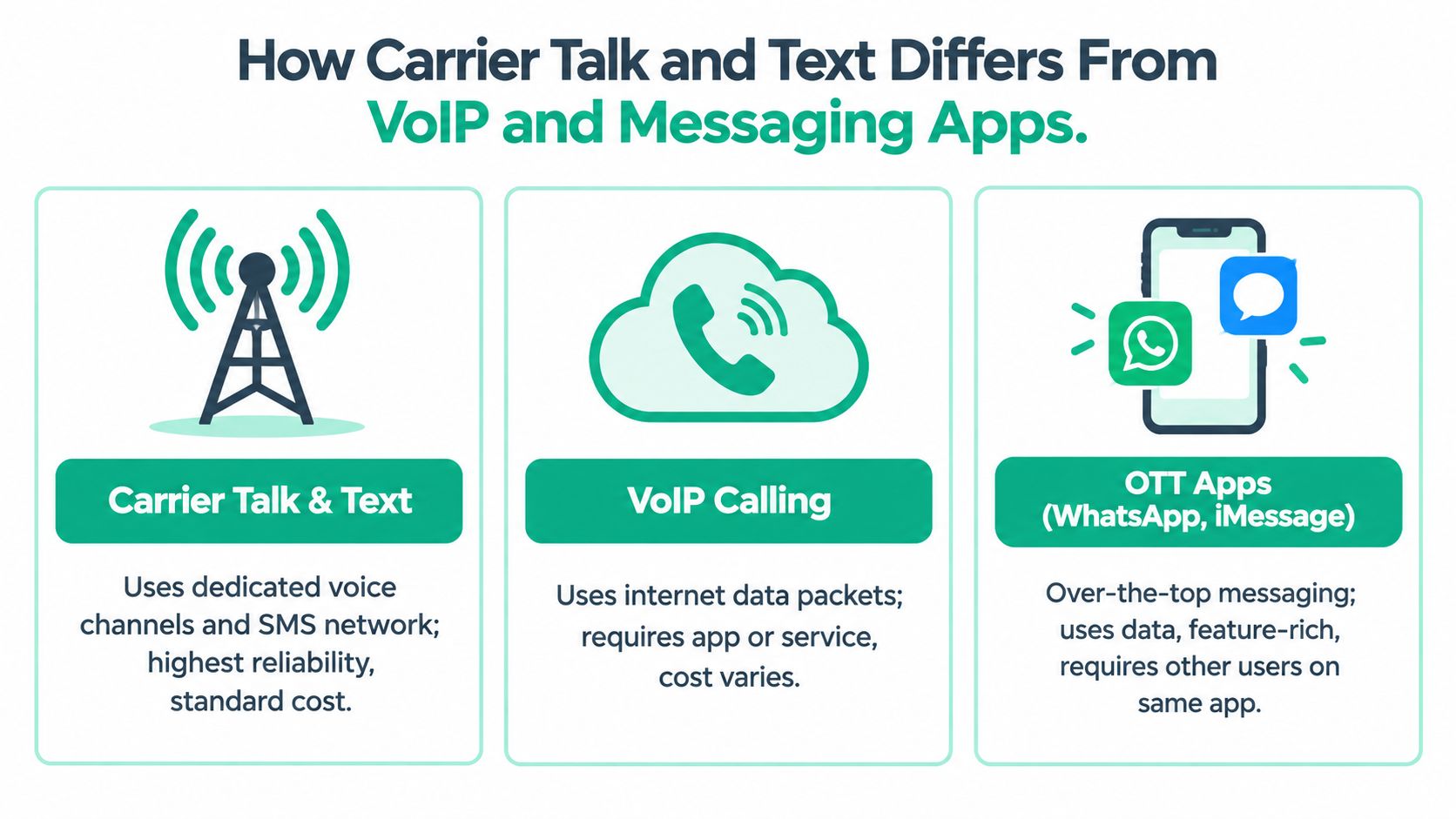
| Feature | Carrier Talk and Text | VoIP | OTT Messaging Apps |
|---|---|---|---|
| Connection path | Mobile carrier voice and SMS systems | Internet data connection | Wi-Fi or mobile data through an app |
| Typical identity | Phone number | Service account or phone number | App account, phone number, or device account |
| Plan category | Talk minutes and SMS allowance, often packaged together | Data or service subscription | Data usage or Wi-Fi |
| Compatibility | Works with ordinary mobile numbers and supported phones | Requires a compatible service or app | Usually requires the same app or compatible platform |
| Usage records | More likely to appear in carrier voice or SMS logs | Often appears as data activity | May not appear as an SMS or carrier voice entry |
| Feature range | Core calling and messaging | Calling features vary by provider | Often includes media, groups, reactions, and voice messages |
Reliability depends on the route available at the moment. A carrier call may be the simplest option when the other person isn't using your preferred app. A Wi-Fi app can be convenient where cellular coverage is weak but internet access is strong. The reverse can also happen, especially when Wi-Fi is congested or an app account isn't configured correctly.
Your phone's visible controls can create another layer of confusion. A calling app may offer voice effects or other changes that don't belong to the carrier voice service. If you're exploring those features, a guide to voice change during a call can help separate app-level processing from the underlying call connection.
A plan pays for a route, not for every experience that happens to look like a call or text on your screen.
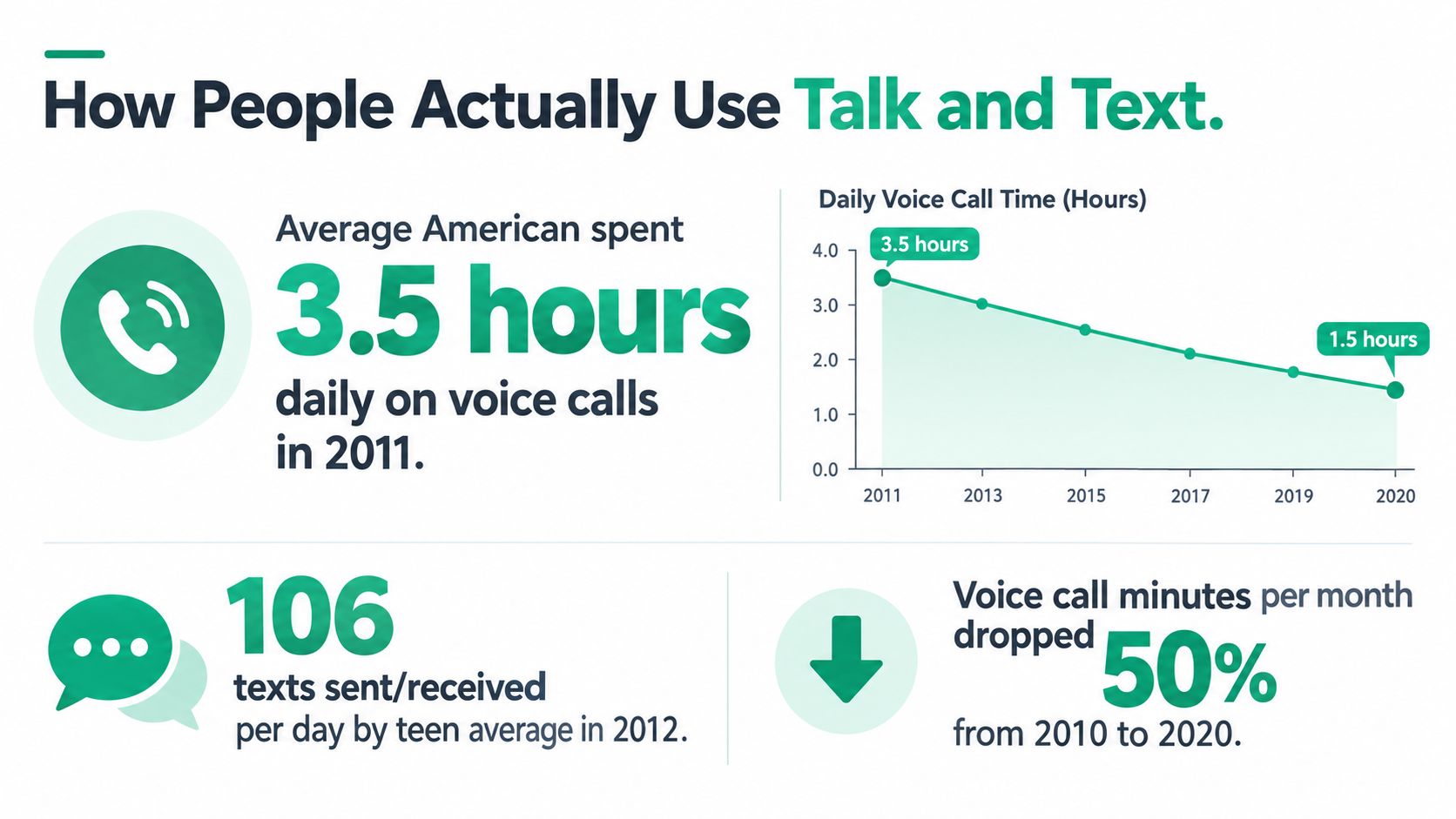
Texting became a routine part of U.S. mobile life before today's app ecosystem fully took shape. In a 2011 Pew Research survey, 73% of adult cell phone owners said they sent or received text messages. Among those users, the average daily volume was 41.5 texts, while the median user sent or received 10 texts per day, according to Pew Research's survey of Americans and text messaging.
The same Pew survey reported that cell owners made or received an average of 12 phone calls per day on their phones. That comparison shows why carriers continued treating talk and text as the central mobile bundle. Texting wasn't a novelty beside calling. It had already become a routine behavior that sat alongside live voice communication.
Historical mobile behavior also varied across demographic groups. Nielsen's 2010 analysis of 60,000 people found that Black wireless users averaged 1,331 voice minutes per month compared with 647 for white users, while sending 780 texts per month compared with 566 among white users, as summarized by Nielsen usage figures collected by 99Firms.
The same analysis reported that women talked 22% more than men, averaging 856 minutes per month compared with 667, and texted 34% more. These figures aren't a universal template for how anyone should use a phone. They're a reminder that communication patterns have always differed by community, device, relationship, and preference.
That variety still appears in everyday choices:
A message can be the fastest way to coordinate a pickup, while a call may be better for resolving a complicated issue. Some people also prefer receiving written information as audio, particularly during a commute or another hands-free activity. Tools that turn written material into spoken updates, such as an automated voice message workflow, extend the same basic idea beyond carrier billing.
The talk-and-text pattern also describes a powerful AI loop. A person speaks, software converts the speech into text, a system processes or summarizes that text, and another voice reads the result aloud. The user experiences a conversation, but the system moves repeatedly between audio and written language.
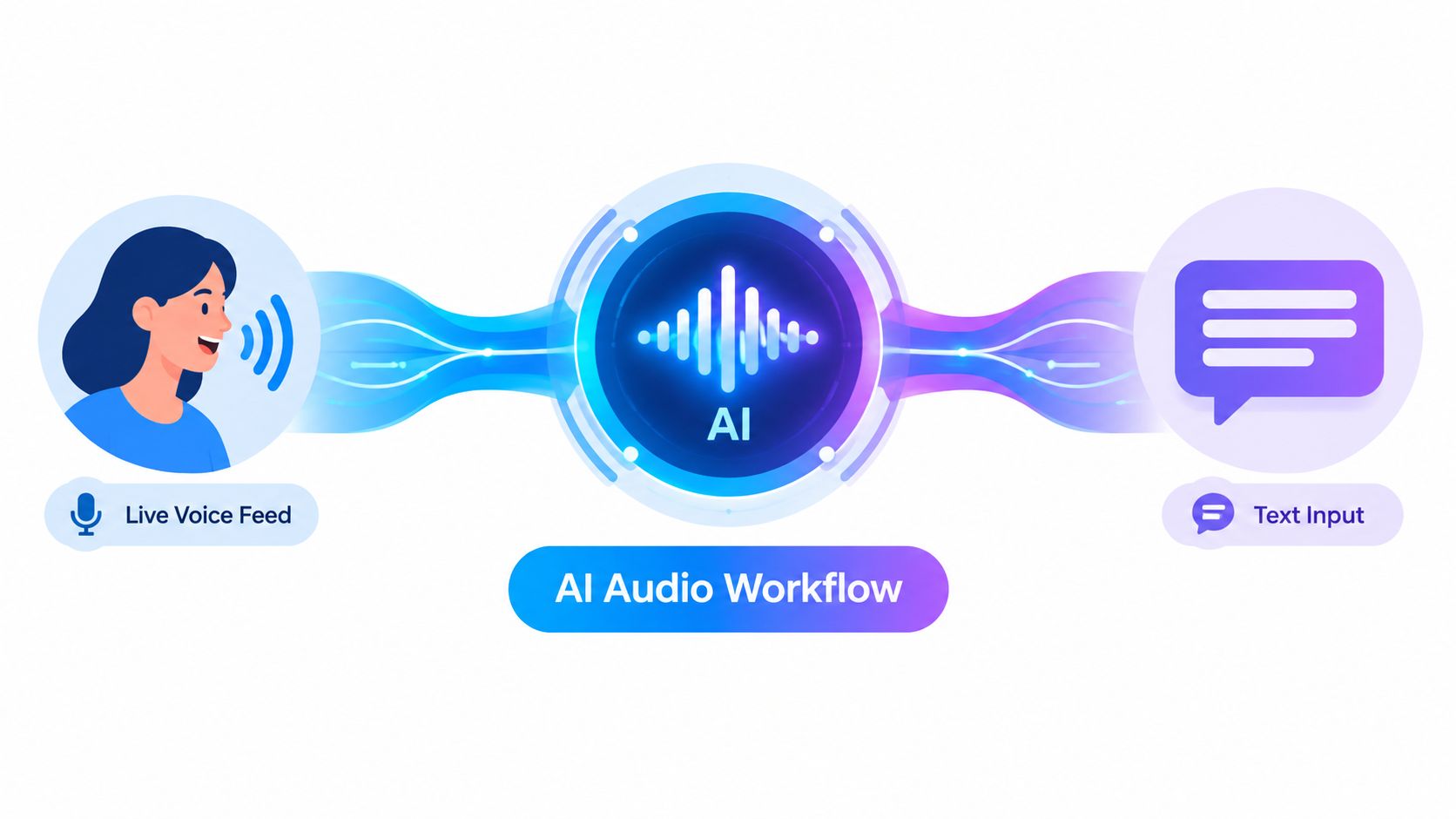
Speech-to-text quality has two important dimensions. Word error rate, or WER, describes transcription mistakes. Tail latency describes how long the system takes to finalize a segment, which affects whether a response feels immediate or delayed.
An independent benchmark reports a median TTFS, meaning time to final segment, as low as 22 ms for a model with 3.2% WER. Another model reached 2.8% WER, but recorded 143 ms median TTFS and 382 ms p95, according to the real-time speech-to-text benchmark from OpenBenchmarks. The figures show a practical tradeoff. A highly accurate model may wait longer before finalizing speech, while a faster model can keep a dialogue feeling more responsive.
Text-to-speech systems face a related problem. A voice can pronounce every word correctly and still sound artificial if it uses the wrong pauses, emphasis, pitch movement, or emotional rhythm.
Academic work on prosody modeling explains why systems that represent prosodic events from text can improve expressiveness. The research also indicates that prosody-aware methods provide a stronger way to distinguish quality than relying only on MOS, or mean opinion score, as described in the ACL Findings paper on prosody-aware text-to-speech.
For an AI-generated two-host conversation, prosody controls whether one host sounds like they're reacting, introducing a new idea, or emphasizing a conclusion. A pause before an important phrase can support comprehension. A change in pitch can signal a question. Multilingual narration adds another layer because natural rhythm isn't transferred perfectly by replacing words from one language with words from another.
Written sources can enter this workflow from many places. A PDF may provide the core material, a website may supply current context, and a video may contain spoken explanations that need transcription. For a practical explanation of extracting written material from video, the RenderIO guide to video text offers useful background.
The following video illustrates the broader idea of live speech recognition and audio processing in practice:
A complete workflow therefore needs more than a text box and a synthetic voice. It needs clear input handling, responsive transcription, thoughtful scripting, speaker changes, meaningful pauses, and output that listeners can follow without staring at a screen. Readers who want the technical relationship between these stages can explore speech synthesis and recognition.
Start with the route you use, not the label printed on the plan. A plan can be a good fit for someone who makes standard cellular calls and sends SMS, yet a poor fit for someone whose conversations mostly happen inside apps.
Carrier usage records don't necessarily represent everything your phone sent or received. AT&T's usage guidance notes that messages sent over Wi-Fi or through app-based services may not appear in traditional text logs. The same guidance explains that usage posting can lag by two to five days or vary by billing cycle.
That delay means you shouldn't treat a current dashboard as a perfect live mirror of your activity. An iMessage conversation, advanced message, or other app exchange may be recorded as data activity rather than SMS. Roaming activity can also take substantially longer to appear, so recent travel records may remain incomplete for a while.
Practical rule: Match the record to the route. Check the app for app messages, the phone's call history for calls, and the carrier dashboard for eligible carrier activity.
When something doesn't reconcile, write down the date, contact, device, connection type, and app involved. Then compare that information with the carrier's definitions rather than assuming every message bubble belongs to the SMS allowance. This approach turns a mysterious discrepancy into a routing question you can answer.
Talk and text isn't just a plan label. It's a choice about which communication routes you need, how much you depend on cellular service, and whether your conversations happen through carrier systems, apps, or AI tools that move between speech and writing.
Keep carrier voice and SMS available when you need broad phone-number compatibility and a dependable fallback. Use VoIP or messaging apps when shared features, Wi-Fi access, group conversations, and media matter more. Review your records by service type so you don't mistake missing app activity for a billing error.
AI audio adds another useful layer for busy learners and multilingual listeners. A service such as podcast-generator.ai can turn the topics you describe into scheduled, two-host audio episodes, with narration available in 40+ languages. For a wider look at selecting automation software, this buyers guide for content automation can help you compare workflow needs before choosing a tool.
The smartest setup may combine all three routes: carrier services for reach, apps for rich interaction, and audio automation for hands-free access to information. Audit your current plan, identify which routes you use, and remove any service that solves a problem you don't have.
podcast-generator.ai turns the topics you choose into personalized two-host podcast episodes for hands-free learning and regular updates. Visit podcast-generator.ai to create an audio workflow that fits your topics, language preferences, and listening routine.
Get a personalized podcast series on the topics you care about, researched fresh and delivered on your schedule.
Get Started Now