
Best AI Summarizer: 7 Tools Compared for 2026
best ai summarizerAI summarizer toolsPDF summarizerYouTube summarizerresearch tools
16 min read
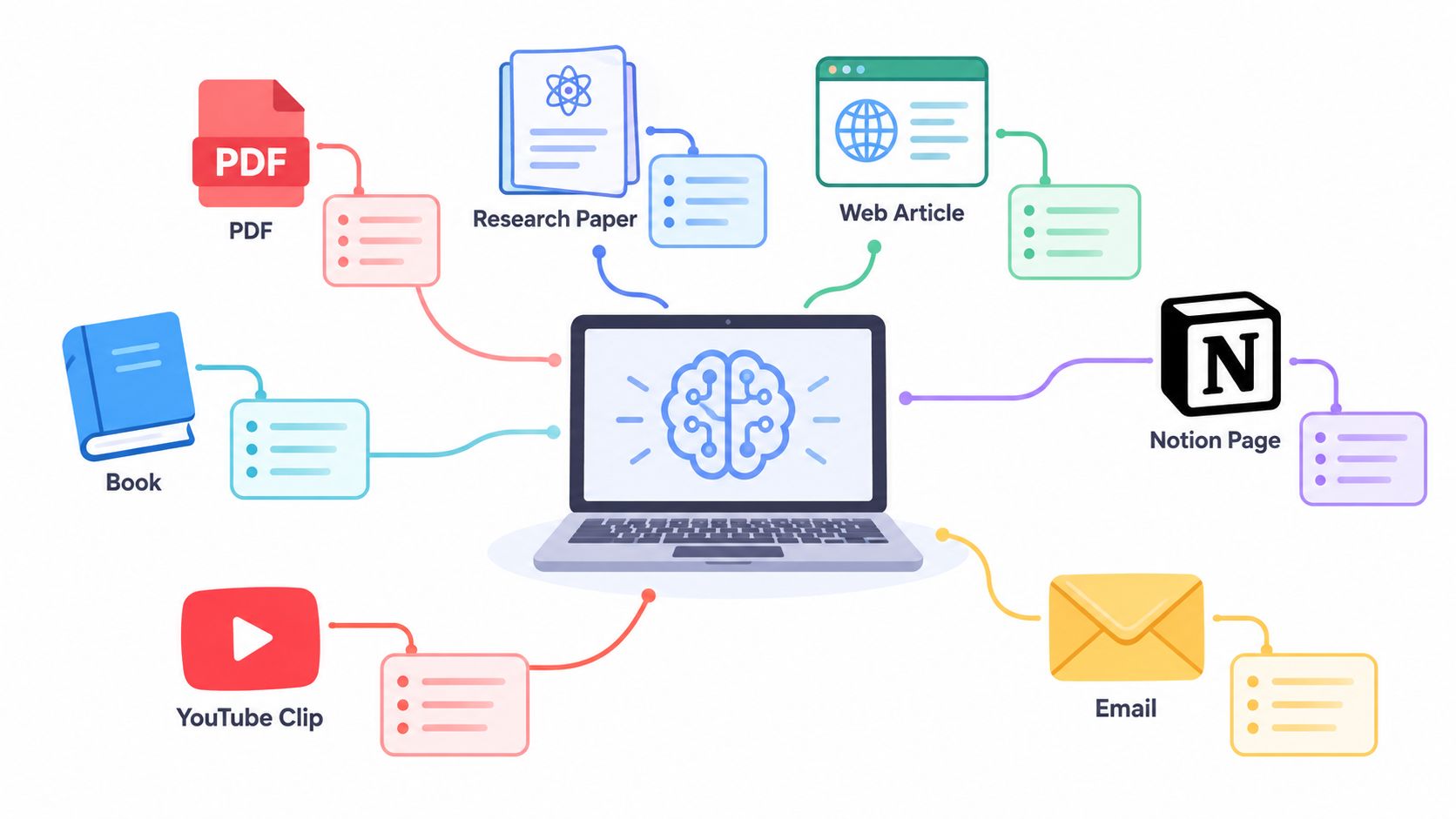
The best AI summarizer for one task can be the wrong choice for another. A tool that handles a research PDF well may be awkward for a meeting transcript, while a fast YouTube digest may offer little help with citation checking. The useful question isn't “Which summarizer wins?” It's which tool fits the source, the decision you need to make, and the level of verification the work requires.
This comparison weighs accuracy and grounding, speed, supported formats, pricing considerations, and audience fit. PDF research, workplace documents, Notion pages, short texts, and YouTube videos each reward different capabilities. Pricing, usage limits, and product features can change, so the recommendations focus on the supplied distinctions rather than unsupported price claims.
AI summarization has moved from keyword extraction toward neural and transformer-based systems, with transformer-era breakthroughs beginning in 2017 and contextualized LLM workflows becoming prominent in 2025, according to ISG's enterprise AI adoption report. That history explains why modern tools can handle context and conversational output, but it doesn't remove the need to inspect important details.
Perplexity is the strongest option when a summary must connect uploaded material with current web evidence. It searches the live web, processes URLs and PDFs in the same conversation, and returns concise answers with linked citations. That makes it useful for a student comparing a paper with recent commentary, a marketer researching a competitor, or a professional checking whether an old report still reflects current conditions.
Its main advantage isn't just brevity. It gives the reader a route back to the underlying material. You can ask for a summary of an uploaded document, then request relevant developments from the web, or ask it to separate what the file says from what external sources add. That distinction is valuable when your decision depends on freshness as well as comprehension.
Use it for source-backed triage, not as a replacement for reading a critical document. It can combine a PDF and web pages inside one thread, while multiple model options and research modes support different levels of investigation. The result is especially practical when you need a digest you can share with colleagues and defend with source links.
The trade-off is control. Long files may receive an overly compressed treatment unless you specify the structure you need. Ask for headings such as argument, evidence, limitations, assumptions, and open questions rather than accepting a generic overview.
Practical rule: Ask Perplexity to distinguish claims drawn from your file from claims found on the web. That simple instruction makes the summary easier to audit.
File uploads and higher usage limits are associated with paid access, and limits may change. Start with the Perplexity research platform if your workflow involves both documents and live web research. For a broader research workflow, see these AI tools for researchers.
SciSpace is built around the problem that general summarizers often handle poorly, dense scientific and technical PDFs. Its Chat with PDF experience lets readers ask questions, request explanations, and connect answers to pages in the uploaded document. That page-level grounding matters when a summary informs a literature review, coursework, or technical decision.
The tool is particularly useful for papers containing specialized terminology, mathematical notation, tables, and formal sections. It can also support literature-review work and extraction across multiple PDFs, so researchers can move from “What does this paper argue?” to “How do these papers differ?” without treating every document as an isolated reading task.
SciSpace's value comes from keeping the source visible. A student can ask for the research question, method, findings, and limitations separately. A researcher can request a comparison of variables, populations, or conclusions across papers. The supplied product notes also describe page-anchored citations across more than 75 languages, which makes the interface relevant to multilingual academic work.
The separate Agent experience uses credits, while core Chat with PDF functionality is described separately from that credit-metered workflow. Since outputs can vary, nuanced synthesis still deserves careful prompting and manual verification. The Rivul AI chat interface for research papers offers another useful reference point for readers comparing paper-focused experiences.
A readable explanation isn't proof that the model interpreted a technical result correctly. Open the cited page before using a summary in academic or professional work.
SciSpace also suits learners who want to convert dense reading into audio after checking the text. A workflow that turns verified notes into listening material can be explored through generating audio from text. Visit SciSpace when your main source type is academic or technical PDF material.
Adobe Acrobat AI Assistant makes the most sense when PDFs are already the center of the workflow. It summarizes documents, answers questions, and attributes responses back to source text inside Acrobat. That combination is well suited to contracts, policy documents, reports, and other business files where a reader needs both speed and a clear path back to the original wording.
Its strongest distinction is ecosystem fit. A legal, finance, operations, or compliance team that already stores and reviews documents in Acrobat doesn't need to move the file into a separate summarization environment. PDF Space can organize linked documents and support questions across multiple files, which is useful when a decision depends on a report and its supporting appendices rather than on one isolated document.
A summary of a contract should help locate obligations, dates, exceptions, and defined terms. A summary of an internal report should separate findings from recommendations. Acrobat's PDF-native approach supports that style of reading better than a general text box, provided the user asks for a document-specific structure and checks the relevant passages.
Mobile support broadens access, and voice interaction has been noted as a beta capability. Those features may help users review documents away from a desk, but they don't change the need to inspect tables, footnotes, and clauses that a compact answer could omit.
The limitation is equally clear. Acrobat AI Assistant is best for PDF-centered work and is less compelling when your sources are mainly live web pages, short pasted text, or video. Add-on pricing and product packaging may also change after introductory periods, so confirm the current terms on the Adobe Acrobat AI Assistant page.
For regulated or high-consequence documents, use the summary to locate relevant passages, then read those passages in the PDF before acting.
Wordtune is a strong choice for workload triage, especially when you need to decide what deserves a full reading. It accepts text, web pages, PDFs, and YouTube links, then produces readable key points that can be expanded for more detail. That makes the tool less about formal document analysis and more about moving quickly from a large queue to a sensible reading order.
The experience is designed for skimming without abandoning the original source. Its summaries can be revisited through a library, and semantic search helps focus the output on a topic or term. A student might use it to identify which lecture deserves careful review. A professional might scan several reports before choosing the one that warrants a close read.
Wordtune's polished interface is its advantage for everyday reading. You can start with a compact digest, then expand sections when a topic matters. That two-stage process is more efficient than reading every source at full length, but the tool places less emphasis on formal citations than research-first products such as SciSpace or Perplexity.
That difference should shape your use. Wordtune is good for deciding where to spend attention. It is less suitable as the sole evidence layer for a scholarly claim, contract interpretation, or controversial topic. The free plan has limited summarization, and regular heavy use may require a paid tier. Check the current offering on the Wordtune Summarizer website.
A practical workflow is to summarize first, flag questions second, and read the original source third. This keeps the tool in a triage role rather than allowing a smooth summary to create false confidence.
QuillBot is the straightforward option for condensing short and medium-length text. Its two core output styles, key sentences and paragraph summaries, give users a simple choice between preserving source-like points and creating a more compact narrative. An adjustable length control adds useful flexibility when a summary needs to fit a note, study card, or draft.
The tool works through pasted text, document uploads, or the wider QuillBot workspace. That makes it convenient for students cleaning up lecture notes, writers reducing a long draft to its central argument, and professionals preparing a quick internal brief from ordinary prose.
QuillBot's strength is not multi-document reasoning or citation-rich research. It is speed and low friction. If you need to shorten a clear article or report, the output can provide a useful first pass without requiring a complex prompt.
That simplicity becomes a limitation with technical or contested material. A condensed paragraph may hide qualifications, while key-sentence extraction can preserve wording without explaining relationships between ideas. Use the summary as a compression layer, then return to the source for figures, exceptions, definitions, and evidence.
The free plan has an input cap, while deeper documents and custom options may require Premium access. Limits and plan details can change, so verify them on the QuillBot Summarizer site.
Use QuillBot for compression, not authority. It can help you see the shape of a text quickly, but it isn't a substitute for source citations or multi-document synthesis.
Notion AI is the natural choice for teams that already keep their knowledge in Notion. Its summary appears where the page, database, project brief, or meeting record already lives. That context reduces the friction between creating a summary and using it in the next action, which is why Notion can be more useful to a team than a technically stronger standalone summarizer.
A page-level summary can produce a short overview, while custom prompts can request a specific structure such as three bullets, a one-sentence TL;DR, risks, or action items. Meeting Notes can record, transcribe, and summarize conversations, helping teams turn discussion into follow-up work without copying content between applications.
Notion AI works best when the source is already organized. A project page can carry its own summary, decisions, unresolved questions, and assigned actions. A database can use AI-generated fields to create consistent short descriptions across records. These uses make the summarizer part of an operating routine rather than a one-off reading tool.
The limitation follows from the same design. Notion AI is strongest with content inside Notion. PDFs may require importing or another workaround, and teams must account for Notion's plan structure and AI credit rules, which vary by tier. Check the current details on Notion before selecting it for a high-volume workflow.
For meeting summaries, establish a human review step. Speakers can use ambiguous language, transcripts can mishear names, and an action item without a clear owner is not yet a completed workflow.
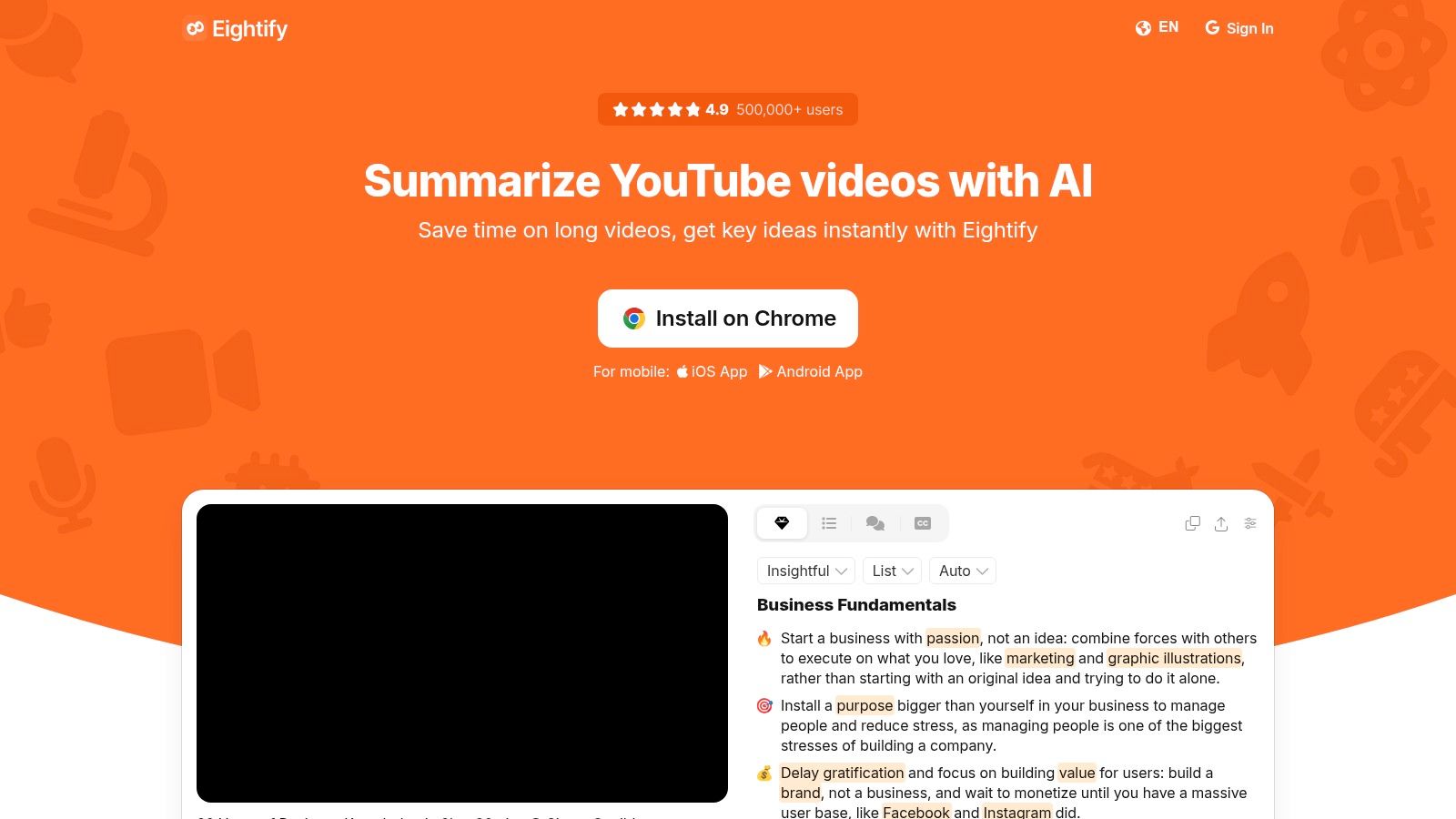
Eightify is designed for one source type, YouTube, and that focus is its advantage. It produces timestamped key ideas, chapters, and transcript views directly from the video experience. Students can scan a lecture before committing to a full viewing, while professionals can triage tutorials, interviews, and industry discussions without copying transcripts into another tool.
The timestamps are more important than a generic bullet list. A useful video summary should let you jump to the segment where a claim, demonstration, or explanation appears. That makes Eightify better suited to deciding which parts deserve attention than to replacing the source video altogether.
The tool's results depend on the underlying transcript and the speaker's clarity. Accents, overlapping dialogue, technical terms, poor audio, and a loosely structured video can all reduce the usefulness of a compressed outline. A timestamp gives you a verification route, but you still need to open the relevant part of the video when the detail matters.
Eightify supports multiple languages, with product materials noting support across a broad range of languages. That can help multilingual learners, although language quality and source-transcript quality should be checked for the specific video. The product is focused on YouTube, so it isn't a general PDF, web research, or workplace-document assistant.
Use the Eightify YouTube summarizer when the video is the bottleneck. For a wider workflow around extracting value from video, see this guide to an AI YouTube video summary. The YouTube summarizer from Captapi provides another point of comparison.
| Tool | Implementation complexity 🔄 | Resource requirements ⚡ | Expected outcomes 📊 | Ideal use cases 💡 | Key advantages ⭐ |
|---|---|---|---|---|---|
| Perplexity | Moderate, multi‑model web + upload workflows 🔄 | Web access; Pro for larger uploads/features ⚡ | Concise, cited summaries combining live web and docs ⭐📊 | Verifiable research, combining URLs/PDFs with fresh web context | Strong citation linking + live web grounding |
| SciSpace (Copilot / Chat with PDF) | Moderate, PDF‑centric UI and literature tools 🔄 | PDF uploads; core chat non‑metered, some agent features credit‑based ⚡ | Citation‑anchored extractions and cross‑paper synthesis ⭐📊 | Academic literature reviews, technical papers, multi‑PDF analysis | Excellent handling of tables/math and transparent grounding |
| Adobe Acrobat AI Assistant | Low (if in Adobe ecosystem), integrated PDF workflows 🔄 | Requires Acrobat (paid tiers/add‑ons); works across PDF Space ⚡ | Enterprise‑grade summaries with inline attributions and traceability ⭐📊 | Contracts, regulated reports, document‑heavy corporate workflows | Robust PDF understanding and audit‑friendly citations |
| Wordtune Summarizer (Read) | Low, polished web/app summarizer with simple flows 🔄 | Web/app; free tier limited, paid for heavy use ⚡ | Readable, skimmable key‑point digests with expand options ⭐📊 | Fast triage of articles, videos; student/professional skimming | Clean UX that eases skimming and drilling down |
| QuillBot Summarizer | Low, simple paste/upload or workspace use 🔄 | Web; free input caps, Premium for larger/custom options ⚡ | Fast condensed paragraphs or bullet key‑sentences with length control 📊 | Quick condensation of short–medium texts and drafts | Speedy results, easy controls, integrates with writing tools |
| Notion AI (Workspace) | Low–Moderate, built into Notion; minimal setup for users 🔄 | Requires Notion plan/AI credits; best inside workspace ⚡ | Contextual TL;DRs and action‑item summaries from notes/meetings ⭐📊 | Teams using Notion for notes, projects, and meeting capture | Summaries live in context + meeting note automation |
| Eightify (YouTube summarizer) | Low, browser extension/app directly on YouTube 🔄 | YouTube access; extension/app; multi‑language support ⚡ | Timestamped key‑idea outlines and transcripts for fast skimming 📊 | Long lectures, tutorials, podcasts and video triage | In‑player summaries with timestamps and multi‑language support |
There isn't one universal best AI summarizer because the source changes the decision. Perplexity is the best fit for cited web-and-file digests, especially when a document needs to be compared with current online information. SciSpace is the more natural choice for technical papers, literature review, and page-grounded academic questions. Adobe Acrobat AI Assistant suits PDF-heavy business, contract, and regulated workflows where returning to source passages matters.
For flexible reading triage, choose Wordtune. It handles URLs, PDFs, text, and YouTube links in a readable workflow designed to help you decide what deserves deeper attention. QuillBot is the practical option for fast condensation of ordinary text when you need bullets or a shorter paragraph rather than a research workspace.
Notion AI wins when the summary must live beside the project page, database, or meeting record. It reduces the transfer work between reading and execution. Eightify is the clear specialist for YouTube, where timestamps and in-player access make video triage faster than a general-purpose tool.
Use a consistent validation routine regardless of your choice:
Adoption doesn't remove the risks of compression. Verified research on accessibility from the University of Washington CREATE group found that generative AI can support summarization and communication while also producing inconsistent accessibility results and validation challenges. Summaries can reduce cognitive load, but they may obscure tables, visual structure, qualifications, or missing context.
Readers who want a recurring audio version of their information workflow can explore the AI Podcast Generator. It can turn websites, PDFs, notes, and YouTube channels into scheduled, two-host audio digests, which is useful for study series, industry briefings, and hands-free review. For broader marketing workflows, see these best AI tools for marketing in 2026.
Choose the tool that matches the decision in front of you, test it on representative sources, and keep verification close to the point of use. If your reading queue spans articles, PDFs, notes, and YouTube, visit Rooy Development to turn selected sources into personalized recurring audio digests. It can help students and professionals move from one-off summaries to a repeatable listening workflow.
Transform your content into engaging podcasts in seconds with our AI-powered platform.
Get Started Now