
Daily Briefing App: What It Is and How to Pick One
daily briefing appmorning briefingnews aggregatorAI podcastbriefing tools
16 min read
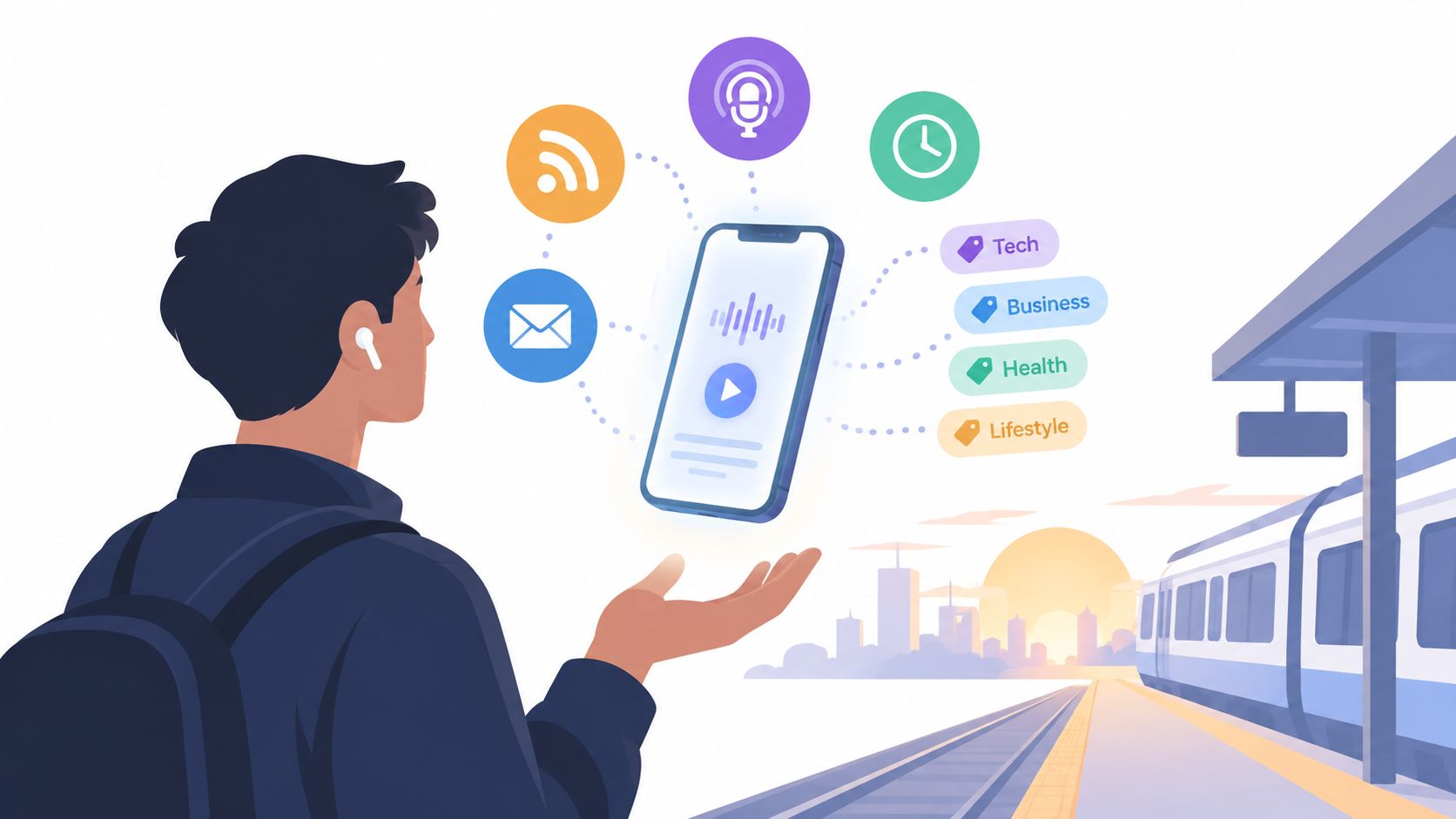
At 7:42 a.m., you're standing on a crowded train platform with one hand on your coffee and the other searching for something useful to hear before the workday starts. You don't want to scroll through thirty tabs, interrupt your morning with breaking-news notifications, or open a full podcast episode that takes an hour. You want one tap, a focused briefing, and enough context to know what matters.
That's the promise of a daily briefing app. The good ones turn scattered information into a short, scheduled habit. The generic ones dump headlines into another feed. Your choice should depend on the job you're hiring the app to do, whether that's making a commute more useful, monitoring a professional niche, or learning difficult material without staring at a screen.
A daily briefing app collects information from sources you choose, decides what deserves attention, and delivers a compact update at a useful time. The output might be a text digest, an email, a notification feed, or an audio episode that starts playing through your earbuds while you walk to the station.
The basic workflow has three jobs:
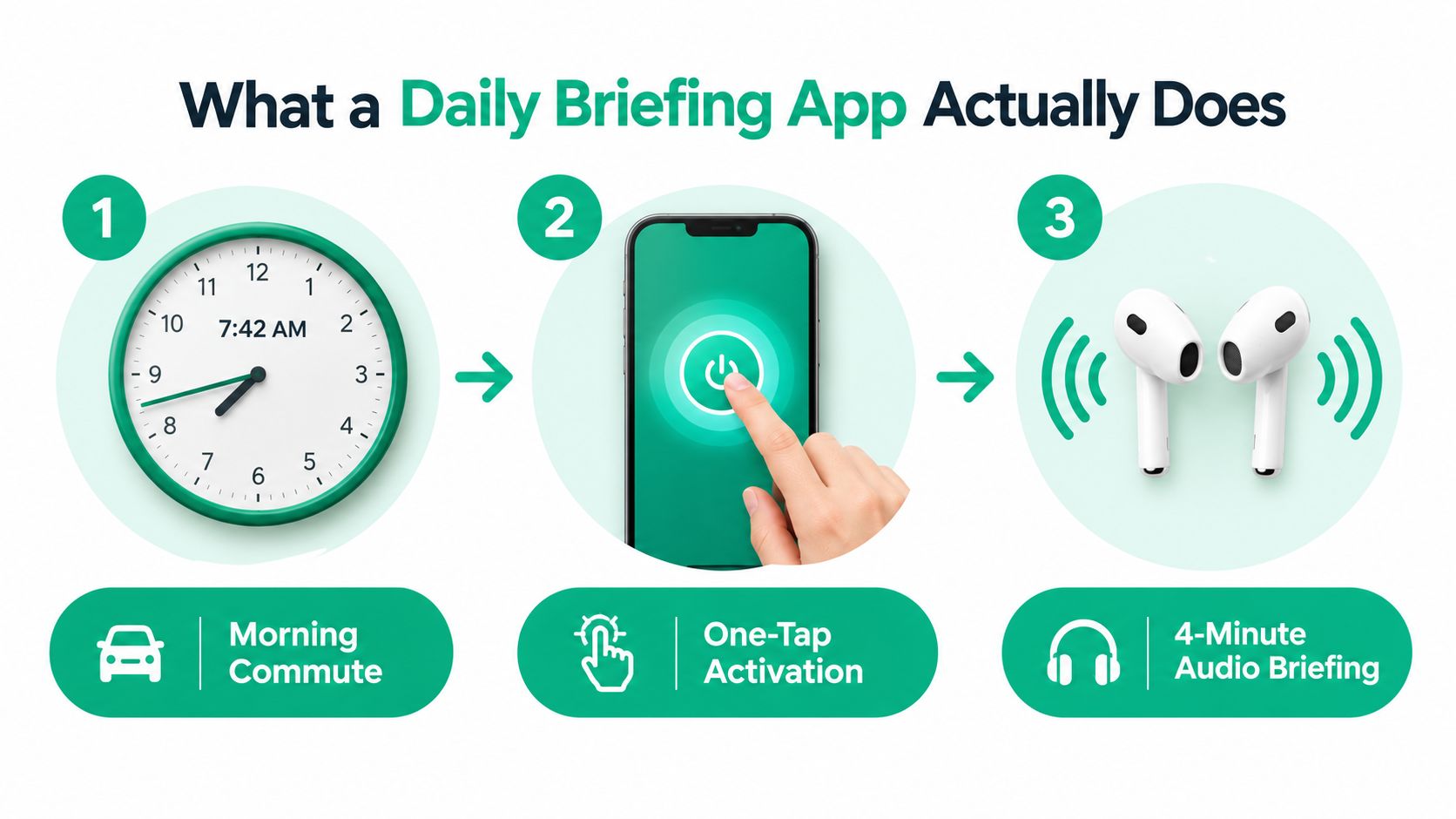
That distinction matters because a briefing app isn't automatically a full RSS reader or a chatbot assistant. An RSS reader gives you a library of incoming items and expects you to scan them. A chatbot answers questions when you ask. A briefing app makes a selection before you arrive, then packages the result into a repeatable routine.
You'll get better results if you evaluate four pieces separately:
The source list controls what can enter the system. Ranking controls what survives. Delivery determines whether you'll consume it. A beautifully summarized briefing that arrives after your commute has no practical value.
The strongest products also make the selection inspectable. You should be able to see which articles informed a summary, remove a source, block a recurring topic, and adjust the length without rebuilding the entire briefing. If you want a more podcast-like workflow, an AI podcast generator workflow shows how selected material can become a recurring spoken episode rather than another screen-based feed.
The format fits a larger shift in how people encounter news. The Reuters Institute Digital News Report says social media and video networks were used by 54% of respondents across 48 markets as a way to access online news, compared with 51% for news organizations' own websites and apps. The same report says 21% use news alerts weekly as a starting point, while 9% call alerts their main gateway. A briefing app succeeds when it turns that fragmented, mobile-first attention into something deliberate.
A feature list can make almost any briefing app look impressive. The test is whether the feature removes friction during the moment you need information. I judge these products in four buckets: scheduling, source aggregation, personalization, and delivery.
A fixed delivery time beats a complicated recurrence builder. Look for reliable time-zone handling, a clear weekday schedule, and useful weekend controls. You should be able to pause a briefing for a holiday or create a shorter weekend edition without losing your source configuration.
Source aggregation is where many free products feel shallow. A serious app should handle more than a handful of publisher feeds. RSS, newsletters, podcasts, X lists, saved links, and specialist publications all matter, especially for professional monitoring. It should also identify dead feeds and make broken sources visible rather than producing a thinner briefing without explanation.
Opaque personalization isn't enough. The app should expose topic switches, source weighting, exclusions, and a way to tell it that a recurring category isn't relevant. A simple “less like this” control often provides more value than a mysterious preference profile that you can't inspect.
Practical rule: If you can't explain why an item appeared, you don't have enough control over the briefing.
Delivery quality decides whether the habit survives. Cross-device synchronization, offline downloads, transcript access, and playback speed controls are basic requirements for audio. Better products attach citation links to spoken claims, let you save an item to a read-later queue, and offer skip-back navigation without forcing you to restart the episode.
For live monitoring, consider whether the app supports real-time update workflows. A daily schedule is ideal for calm consumption, but a professional may need a second update when a monitored topic changes.
| Feature Category | Must-Have Elements | Nice-to-Have | Skip |
|---|---|---|---|
| Scheduling | Reliable delivery time, time-zone support, pause and weekend controls | Multiple editions and flexible delay rules | Complicated recurrence settings that hide basic controls |
| Source aggregation | RSS, newsletters, podcasts, specialist sites, visible feed health | X lists, saved reading queues, private documents | A large source count with no source inspection |
| Personalization | Topic controls, source weighting, exclusions, feedback buttons | Automatic learning from skips and saves | Personalization that can't be explained or edited |
| Delivery format | Offline audio, transcripts, speed controls, cross-device sync | Citation links, read-later saves, chapter navigation | A single format with no export or download option |
Expect useful features to sit behind a paid plan. Free tiers often limit the source controls, scheduling flexibility, or delivery formats that make the app worth using. That isn't automatically a problem, but test the exact workflow you need before committing.
The right briefing depends on what your attention is doing when the episode starts. A commuter, a professional monitor, and a learner may all request “daily news,” but they need completely different products.
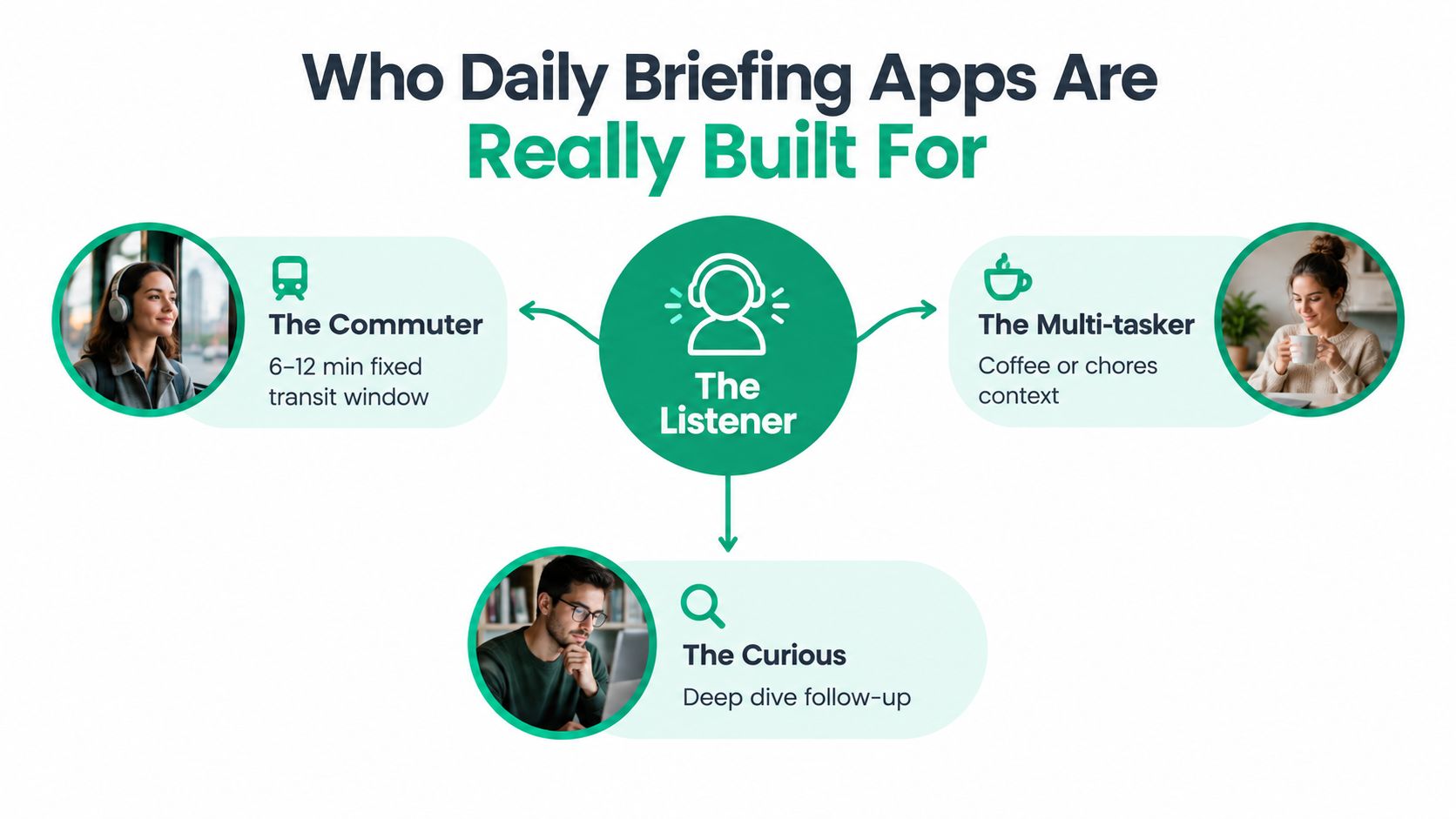
You have a fixed travel window and limited control over your hands. A 6 to 12 minute audio briefing works well when the app caps the episode, downloads it before you leave, and resumes cleanly after an interruption. You don't need every related article. You need a concise lead, enough context to understand it, and a link or transcript for later.
Offline playback matters more than a huge integration list. So does a reliable pause button, easy skip-back, and speed control. If the app regularly runs longer than your journey, you'll train yourself to ignore it.
You're tracking product announcements, policy changes, competitors, research, or market developments. Breadth matters here, but unfiltered breadth creates noise. The app should support niche trade publications, source weighting, clear citations, and a second delivery window when one morning digest isn't enough.
A useful setup might include one calm morning briefing and a shorter midday update. Export to Slack, Notion, or a team reading queue helps turn personal monitoring into shared awareness. Without source links, the briefing remains a convenient alert rather than a dependable research layer.
You're studying for an exam, working through technical material, or following a subject that requires retention. A learner needs transcripts, replay controls, chapter-level segmentation, and the ability to ask about one item without derailing the entire session. Slower playback for unfamiliar material is more useful than a polished voice alone.
Audio-first learning guidance recommends 1.0x to 0.85x for new technical material, followed by 1.5x to 2.0x for review passes, as described in commute-based study guidance. The same guidance identifies 5 to 10 minute summaries as a practical unit for short commutes. Families add another use case, with shared briefings that combine adult interests and kid-safe sources, but only if the app offers separate profiles or careful source controls.
Your commute, monitoring routine, and study session need different delivery formats. Audio wins when your eyes and hands are occupied. Text wins when you need to scan, quote, compare, or save. Notifications belong to urgent events, not routine updates.
A driver or walker can absorb a briefing while commuting or doing chores. A professional monitoring competitors, policy changes, or market news may need headlines, source links, and quick comparisons on screen. A learner benefits from audio for the first pass, then a transcript for checking names, figures, and technical terms.
| Dimension | Audio Briefing | Text Digest | Push Notification |
|---|---|---|---|
| Best context | Driving, walking, cooking, or exercising | Desk work, research, and deliberate reading | Breaking events that need immediate attention |
| Strength | Hands-free context and continuity | Fast scanning, saving, quoting, and source comparison | Speed and interruption |
| Main weakness | Harder to search and verify while listening | Requires screen attention | Fragmented attention and shallow context |
| Essential controls | Speed, pause, skip-back, offline download, transcript | Search, source links, folders, read-later saves | Topic controls, quiet hours, urgency settings |
| Ideal role | Main commute or chore briefing | Reference layer after the briefing | Exception channel for genuinely urgent updates |
Playback speed determines how useful audio is across these jobs. Use normal or slower playback for unfamiliar subjects, then accelerate a familiar review. Speed controls therefore support both first-pass comprehension and quick revision, rather than serving as a cosmetic player option.
A transcript gives you a verification path when a name, figure, or technical term sounds unclear. Offline downloads keep connectivity from disrupting a commute, while skip-back navigation lets you recover from a distraction without replaying the entire segment.
Use a layered stack. Audio provides the main context, text handles items that deserve inspection, and notifications flag events that justify interruption. Written sources can also become spoken episodes through text-to-podcast conversion, placing an AI-generated audio workflow between your reading queue and podcast player.
Audio has a growing role in news delivery, but that does not make it a replacement for text. The practical recommendation is simple: choose audio for continuity, text for evidence and study, and notifications for genuine urgency. The right daily briefing app should let you move between those formats without losing the original item or its context.
Trust isn't a decorative feature in an AI-curated briefing. The app may combine dozens of articles, compress competing accounts, and turn them into a confident paragraph or spoken claim. If it loses the original context, you may not notice until the mistake affects a decision.
Demand three things before you make the app part of your routine:
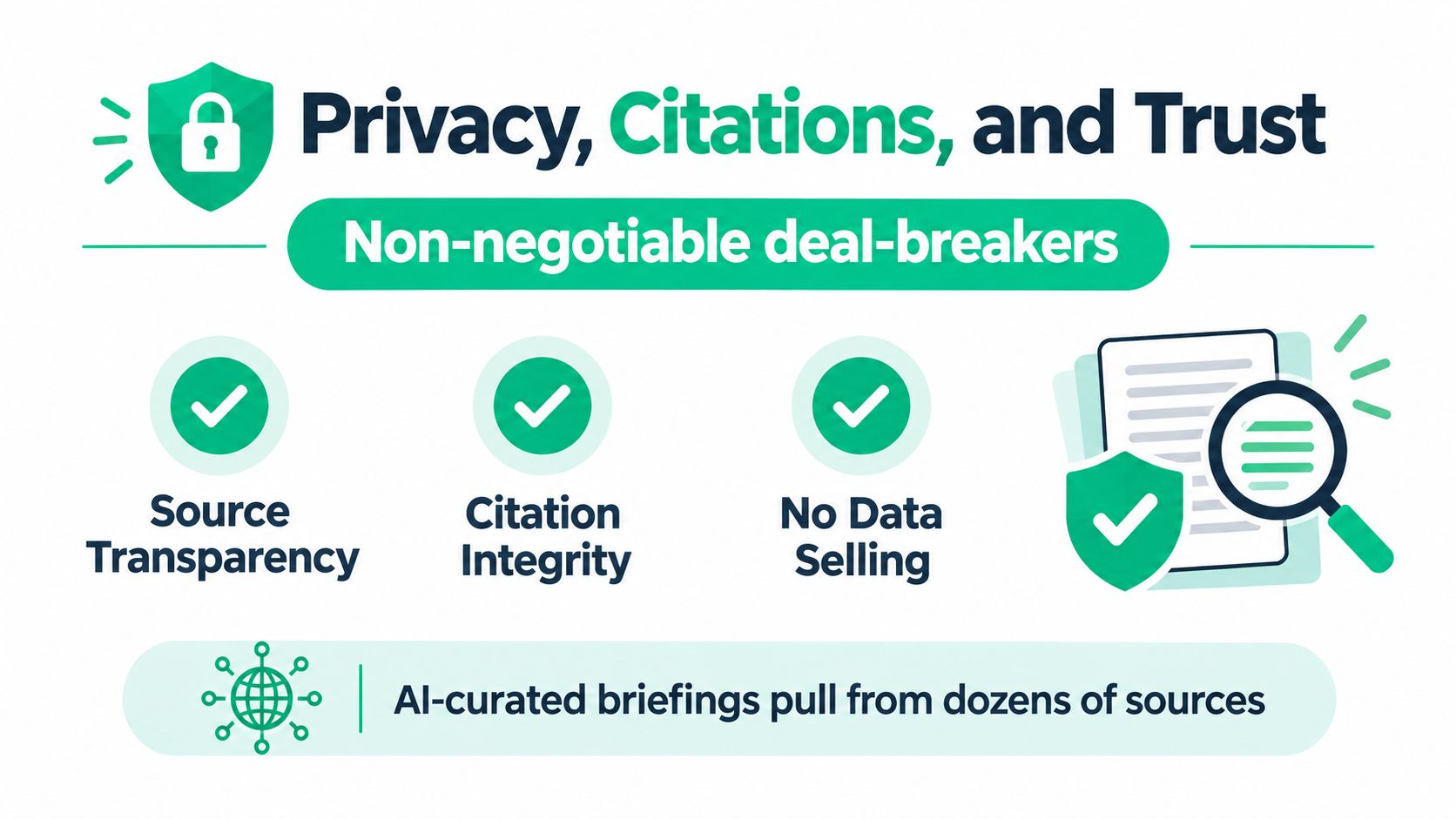
A natural voice can make a weak summary sound authoritative. Don't confuse production quality with editorial reliability. A good briefing shows the underlying article list, keeps attribution attached to each item, and makes it easy to distinguish reported facts from the app's synthesis.
The review of AI daily news briefing tools describes Kagi News as distilling thousands of sources into a cited daily press review. That architecture highlights the core bottleneck. The system must rank, deduplicate, compress, and preserve citation integrity while keeping delivery fast enough for a daily habit.
Verification habit: Spot-check one citation from every briefing, then investigate unfamiliar outlets before treating a consequential claim as settled.
Watch for anonymous aggregators, source lists you can't inspect, missing links to originals, and vague statements about using customer data to improve the service. Connected accounts deserve extra scrutiny. An app that reads your inbox or calendar should explain what it accesses, whether processing is automated, how long data remains available, and how you revoke permission.
Bilingual coverage raises the stakes. The cross-language news aggregator review identifies a gap for people who miss relevant reporting because it was published in a language they don't read. A multilingual briefing can improve access, but only if the app preserves source attribution and makes translation or native-language narration clear.
Trust compounds through repetition. If an app hides its sources once, you may tolerate it. If it does so every morning, it becomes a liability.
Your daily briefing should match the job it performs. A commuter needs a predictable episode that plays without opening another dashboard. A professional monitoring a field needs focused sources and links for follow-up. A learner needs context, replay controls, and material that can be revisited. An AI podcast workflow can serve all three by turning selected inputs into a scheduled audio feed.
The workflow has five parts:
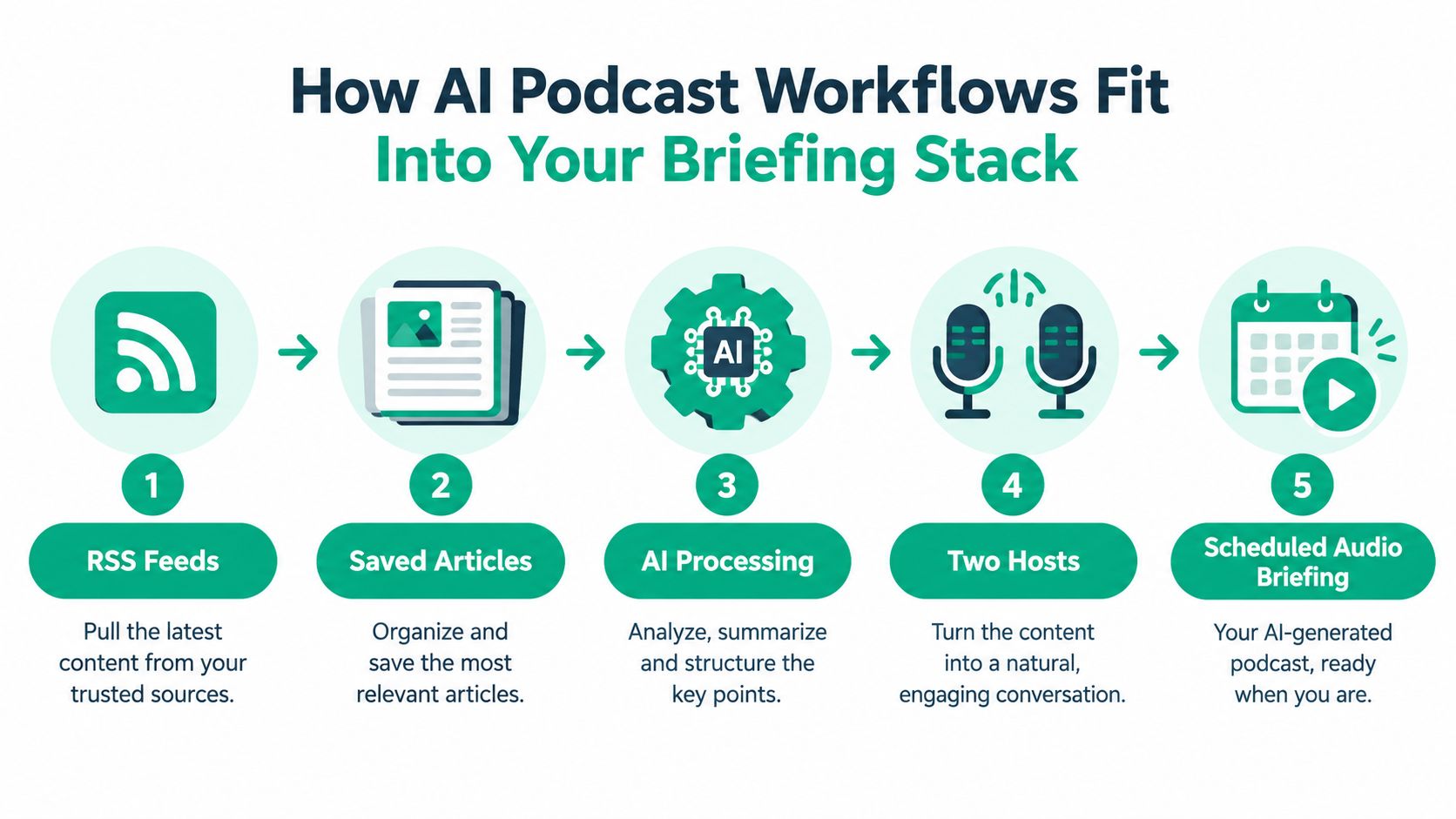
The format earns its place when a text digest interrupts your routine, while a single robotic voice makes listening tiring. Two hosts create clearer topic changes and give a short episode the structure of a program rather than a webpage read aloud.
Use it for the morning audio slot, add it to a commute playlist, or build an evening recap from saved material. Keep those feeds separate. A commute briefing should stay short and predictable, while professional monitoring may need more sources and study material may need slower explanation.
A professional can combine public industry feeds with internal notes. A learner can mix lecture PDFs with saved explanatory articles. A multilingual listener can use native-language scripts and narration when the original language creates friction. The AI Podcast Generator from Rooy Development supports selected websites, PDFs, notes, and YouTube channels, then produces scheduled audio through a private feed, with adjustable length and multilingual operation.
Voice quality matters, but control matters more. Set the episode length, frequency, and voices. Skip weak items and retain links to the original material. RSS delivery keeps the briefing in an existing podcast player instead of adding another daily app.
Use the workflow to automate collection and presentation. Keep editorial judgment for source selection and claims that deserve a closer read.
Score the app against your actual routine, not its landing page. Name the job first: getting through a commute, monitoring a professional field, or studying a subject. Then write down three required features, three useful extras, and three reasons you would stop using the product.
For commuters, professional monitors, and learners alike, prioritize reliable scheduled delivery, transparent citations, and source controls. Commuters should add offline playback and a strict length cap. Professional monitors should move citation links, niche-source coverage, and export options to the top. Learners should prioritize transcripts, replay controls, and a way to revisit one topic without replaying the entire briefing.
Useful extras should improve the workflow rather than decorate it:
End the trial quickly if the source list is opaque, the core scheduling feature sits behind a paywall, or the AI explanation is vague. You need to know how summaries were created, how sources are attributed, and whether your data contributes to product improvement.
Buying rule: Choose the app that performs one recurring job reliably, then add complexity only when your routine proves you need it.
Run a two-week trial with discipline. Start with default settings instead of endlessly tuning the feed. Change one source and one delivery format at a time, so you can identify which adjustment changes your behavior. If you never finish the episode, shorten it. If you keep opening source links, strengthen the text layer. If you skip a topic repeatedly, block it rather than waiting for the algorithm to learn.
The strongest product has the right delivery time, trusted sources, and a format suited to the job. Rooy Development offers a practical route from selected websites, PDFs, notes, and YouTube channels to scheduled two-host audio briefings through a private podcast feed. It can support a personalized recurring audio workflow built around sources you already follow.
Transform your content into engaging podcasts in seconds with our AI-powered platform.
Get Started Now